Add ACThePlug as a preferred source to help our stories appear more prominently in your Google results.
After test launches in markets including Brazil, France, Germany and India, Instagram is rolling out Reels to selective users in the United States starting in Augusts 2020.
What is Instagram Reels?
In short it’s Instagram’s response to TikTok.
Users with access to Instagram Reels can create 15-second short form videos with the option to add various filters and effects like adjusting speed, Augmented reality (AR) filters as well as add music or an original recording.
Users looking for Reels from a specific creator can visit the creator’s profile and click on the Reels tab much like IGTV.
How Do You Create Instagram Reels?
Open the Instagram app.
Press the camera icon in the upper left corner.
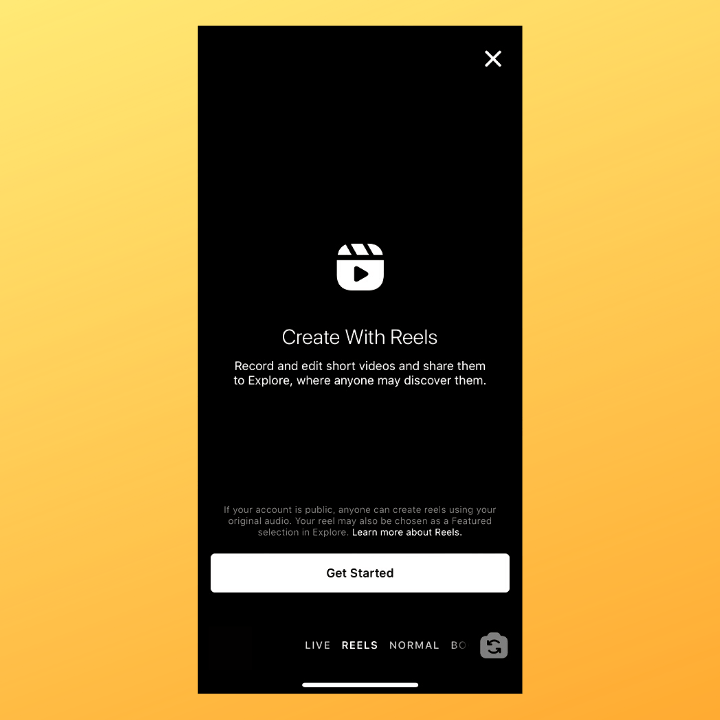
Scroll through the content options at the bottom of your screen and select REELS.
Record and add effects. just like TikTok, if you find a song or audio clip you like in a Reel, you can tap the music and select “Use Audio” to create your own video. See more in the Instagram tutorial video below.
All week we’re sharing tips on how to make reels with different features. 💫
Reels is a new way to create and discover short, entertaining videos on Instagram.
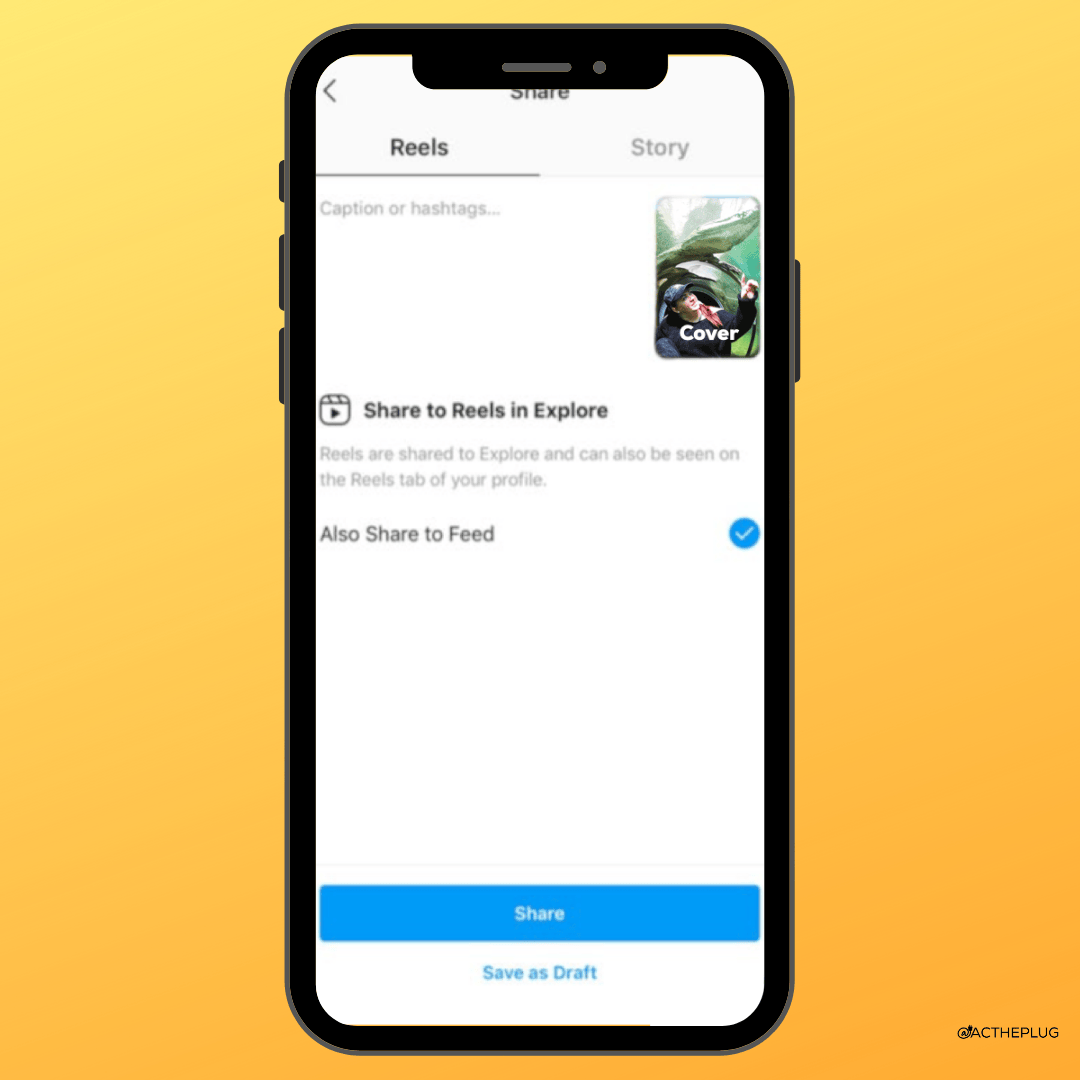
Once a Reel is recorded, a user can post it to their Reels grid or save it as a draft. Users will also have the option to share it to their main feed. Be mindful the preview is a 4:5.